


Tutorial 2: Asset Structure#
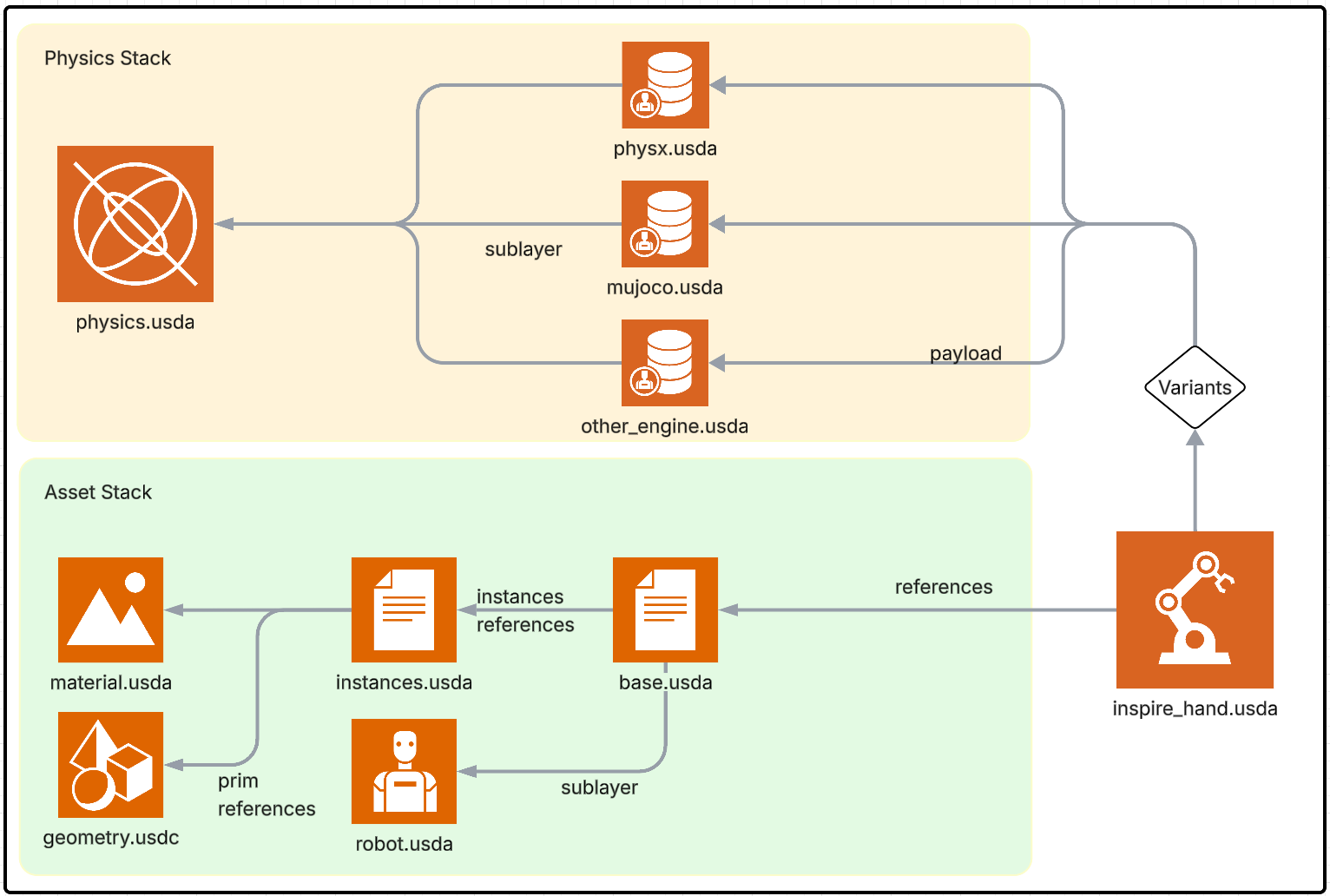
Before you inspect, filter, or tune a robot in Isaac Sim, you need to know where everything lives. USD Asset Structure 3.0 in Isaac Sim 6.0 is the standard layout for robot assets: it organizes geometry, materials, collision meshes, and physics into dedicated files and layers so that the same asset can be used with multiple physics backends (e.g. PhysX, MuJoCo) without clashing or duplication. Once you know this structure, you can open the right file for each task and keep the asset maintainable.
Learning Objectives#
In this tutorial, you will:
Understand how Asset Structure 3.0 separates geometry, materials, metadata, instances, and physics into dedicated files.
See how layers, payloads, and variants let you switch between no physics, generic physics, or PhysX without duplicating the asset.
Walk through the Inspire Hand file hierarchy so you know exactly which file to open for inspection and tuning in later tutorials.
Prerequisites#
Complete Tutorial 1: Setup and have the Inspire Hand scene open in Isaac Sim.
Module 1.1: USD Asset Structure 3.0#
Isaac Sim 6.0 introduces multi-physics backend support (e.g., MuJoCo and PhysX). USD Asset Structure 3.0 is the reference format for robot asset structure and organization. It provides:
Separation of USD components into multiple files for easier reviewing and maintenance.
Use of layers, payloads, and variants for different robot use cases (e.g., animation vs. simulation, different physics engines).
Isolation of attributes for different physics engines to prevent clashing when the same asset is used with MuJoCo, PhysX, or other runtimes.
Storage of different physics tuning parameters per physics engine in separate layers or payloads, so you can switch runtimes without overwriting shared geometry or metadata.
The result is a multi-layered structure where geometry, materials, and metadata are shared, while physics-specific data lives in dedicated files and is composed via payloads and variants. Once you know this layout, you can confidently open the right file for collision filtering (e.g. physics.usda) or PhysX-specific joint tuning (e.g. physx.usda) without touching the base geometry.
Module 1.2: Inspire Hand Overview#
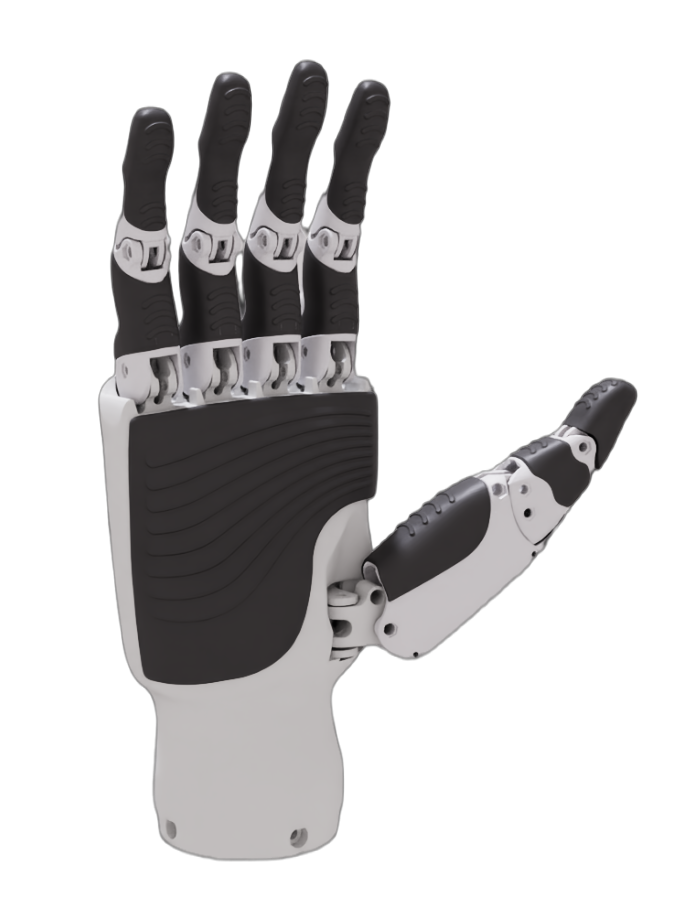
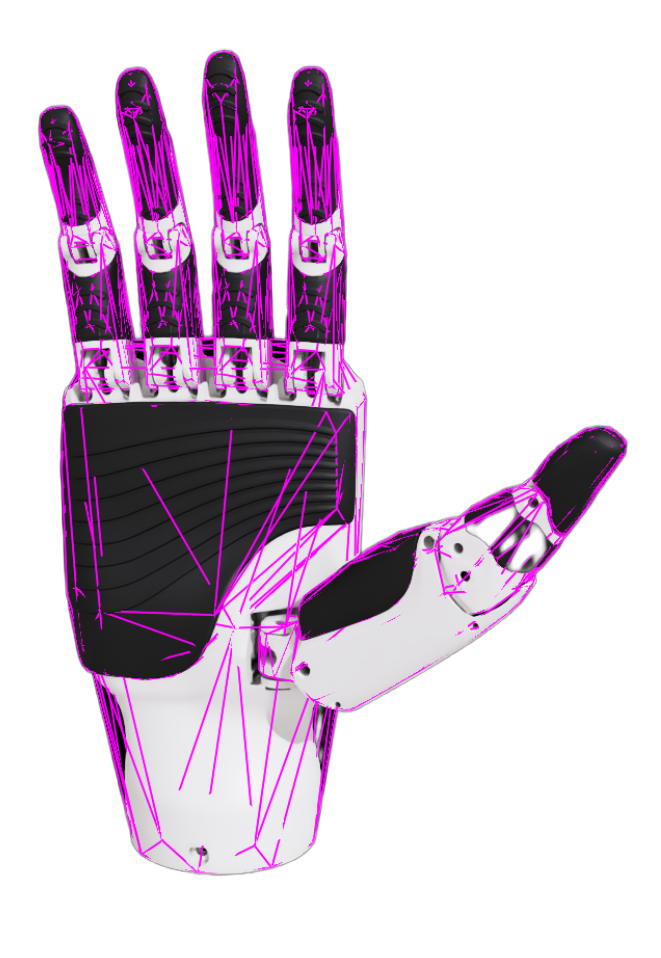
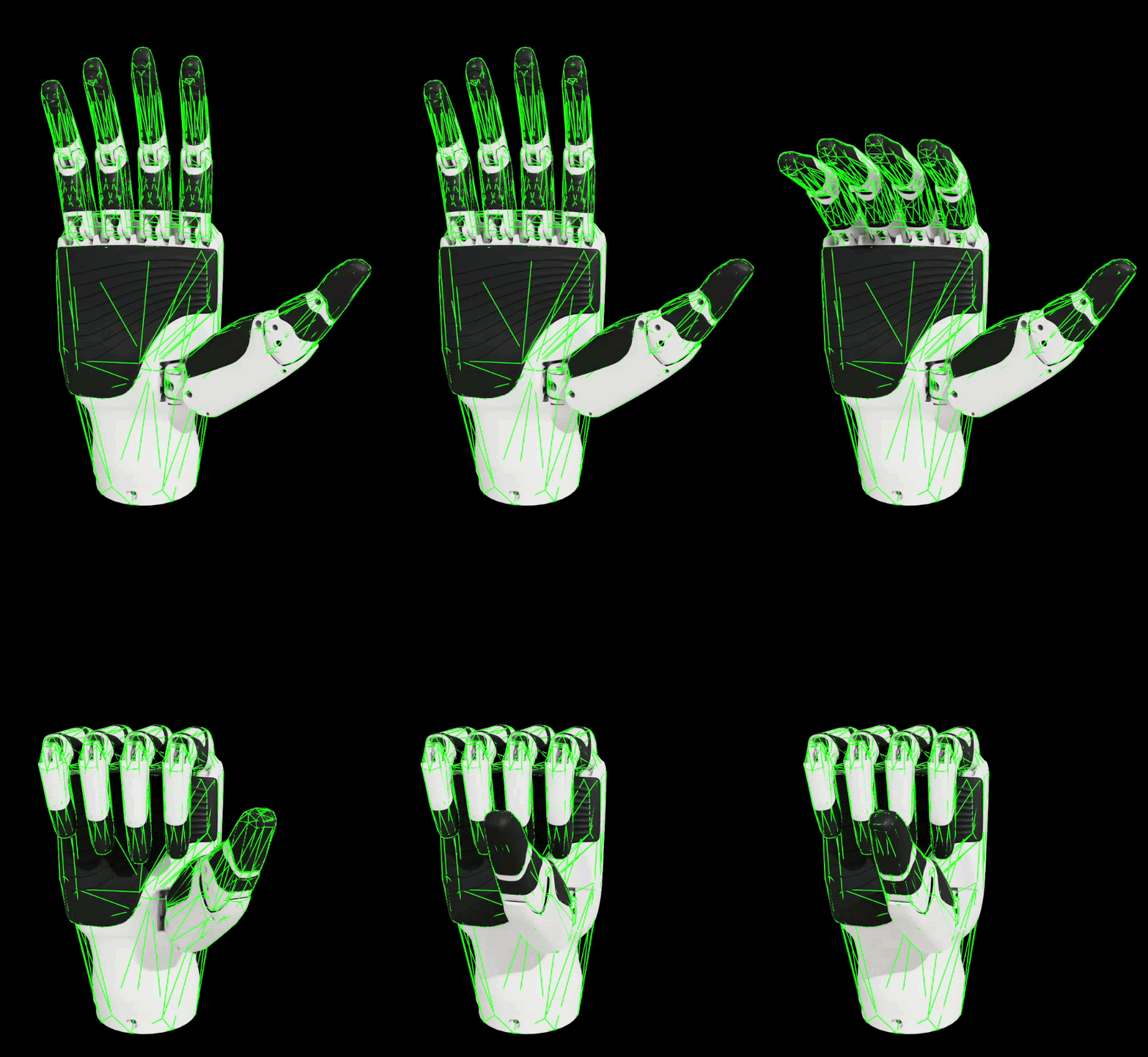
The Inspire Hand (RH56DFX from Inspire Robotics) is the example digital twin used in this tutorial: a compact, underactuated dexterous hand with 6 actuated DOF and 12 joints, specifically chosen for its complexity compared to fully actuated dexterous hands.
Property |
Value |
|---|---|
Model |
RH56DFX |
Degrees of Freedom |
6 |
Number of joints |
12 |
Weight |
540 g |
Max thumb grip |
15 N |
Max palm grip |
10 N |
Thumb lateral rot. |
107 deg/s |
Palm finger bend |
260 deg/s |
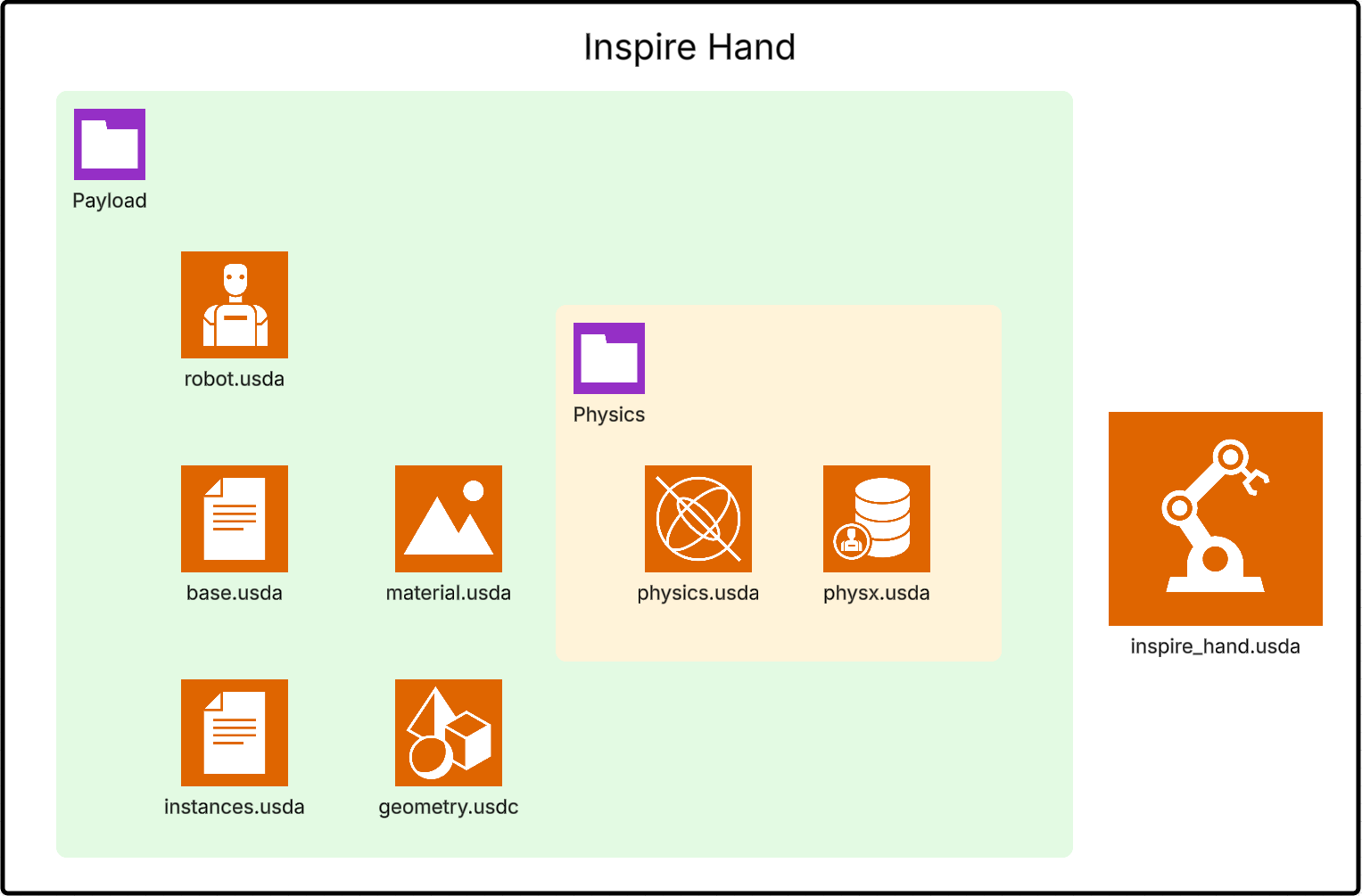
Below we see how this robot is represented in USD using the Asset Structure 3.0 layout: file hierarchy, asset stack, and physics stack.
File Hierarchy and Stacks#
Inspire Hand File Hierarchy — The asset is split into multiple USD files (geometry, materials, robot metadata, instances, base scene, physics, and PhysX overrides), each with a clear role.
Inspire Hand Asset Stack — Layers and references compose the visual and structural representation (meshes, materials, transforms, robot API).
Inspire Hand Physics Stack — Payloads and variants add physics (rigid bodies, joints, drives) and engine-specific tuning (e.g., PhysX) without modifying the base asset.
Together, the combined stack gives a single inspire_hand prim that is simulation-ready and can switch between no physics, generic USD physics, or PhysX via a variant.
Module 1.3: Asset Structure Walkthrough#
Here we walk through each file in the Inspire Hand and how it contributes to the final asset. Knowing each file’s role and format (e.g. binary for geometry, ASCII for readability) will help you know where to author changes in later modules.
geometries.usd — Mesh file geometries.usd — Mesh file ————————–
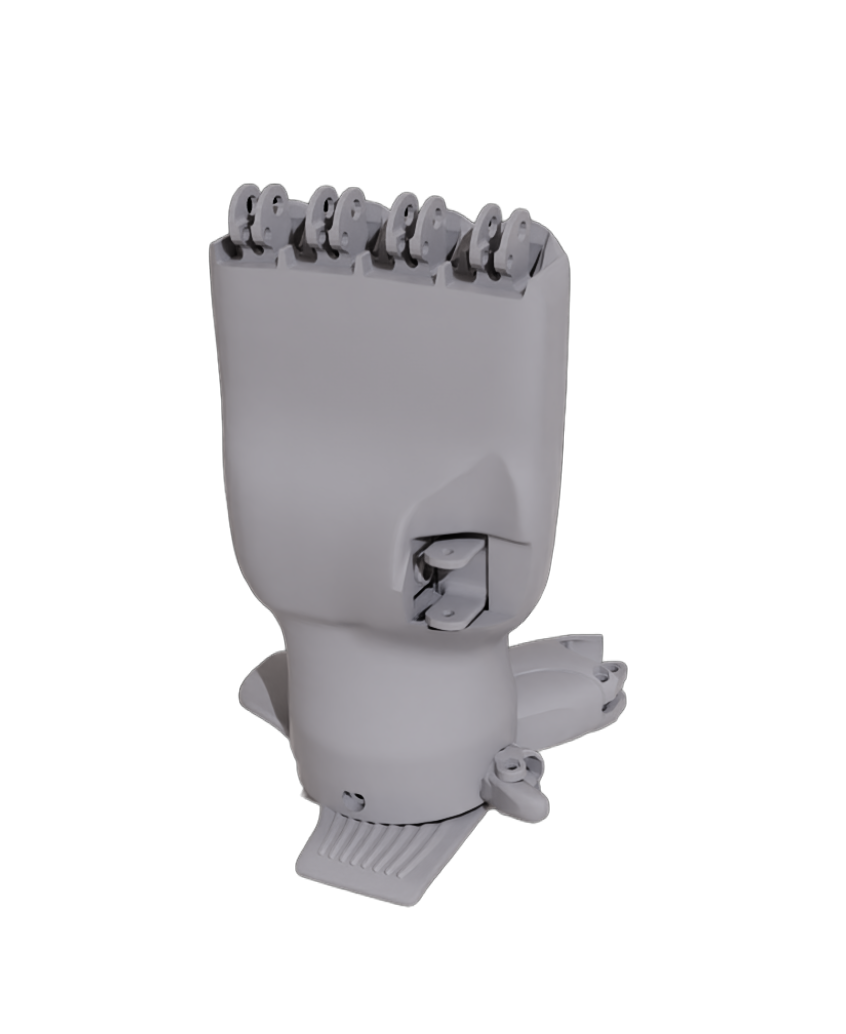
Role: Stores all the meshes used by the robot.
Format: Binary (
.usdor.usdc) for efficiency.Contains only geometry (mesh data); no materials or physics.
materials.usda — Material file#
Role: Stores all materials used by the robot (e.g., Plastic_ABS).
Format: ASCII (
.usda) for readability.Defines materials and their MDL shader connections (e.g.,
info:mdl:sourceAsset,inputs:diffuse_tint). These materials are referenced by the instance file for both visual and collision meshes.
def Material "Plastic_ABS"
{
token outputs:displacement (
    displayGroup = "Outputs"
)
prepend token outputs:mdl:displacement.connect = </Materials/Plastic_ABS/Shader.outputs:out>
prepend token outputs:mdl:surface.connect = </Materials/Plastic_ABS/Shader.outputs:out>
prepend token outputs:mdl:volume.connect = </Materials/Plastic_ABS/Shader.outputs:out>
token outputs:surface (
    displayGroup = "Outputs"
)
token outputs:volume (
    displayGroup = "Outputs"
)

def Shader "Shader" (
    apiSchemas = ["NodeDefAPI"]
)
{
    token info:implementationSource = "sourceAsset"
    asset info:mdl:sourceAsset = @../Materials/Plastic_ABS.mdl@
    token info:mdl:sourceAsset:subIdentifier = "Plastic_ABS"
    color3f inputs:diffuse_tint = (1, 1, 1)
    token outputs:out (
        renderType = "material"
    )
}
robot.usda — Robot metadata#
Role: Contains robot metadata and the Isaac Robot API.
Applied as an overlay over the
inspire_handprim withapiSchemas = ["IsaacRobotAPI"].Typical attributes include:
isaac:changelog,isaac:description,isaac:license,isaac:namespace(namespace of the prim in Isaac Sim),isaac:physics:robotJoints(relationship to robot joints).
This file does not define geometry or physics; it identifies the asset as a robot and attaches metadata.
over "inspire_hand" (
    prepend apiSchemas = ["IsaacRobotAPI"]
)
{
    string[] isaac:changelog (
        displayName = "Changelog"
    )
    string isaac:description (
        displayName = "Description"
    )
    token isaac:license (
        displayName = "License"
    )
    string isaac:namespace (
        displayName = "Namespace"
        doc = "Namespace of the prim in Isaac Sim"
    )
    rel isaac:physics:robotJoints (
        displayName = "Robot Joints"
    )

...
}
instances.usda — Mesh + materials + colliders#
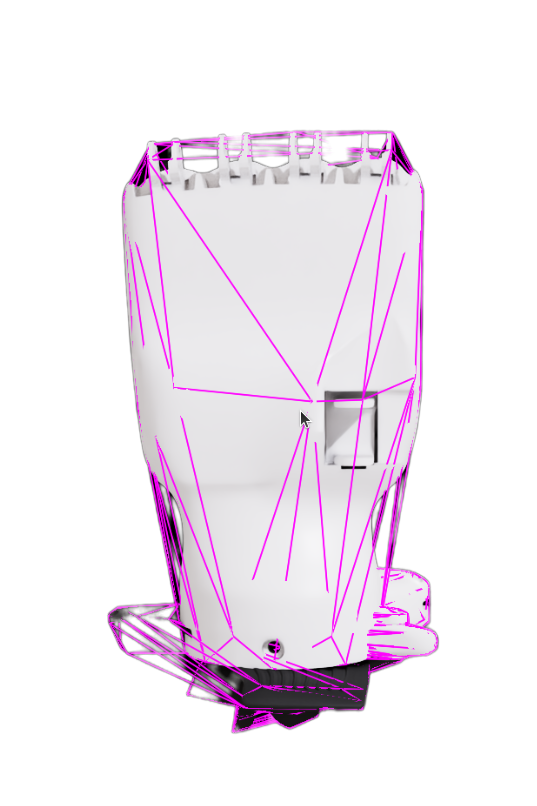
Role: Builds visual and collision meshes by combining
materials.usdaandgeometries.usd.References geometry from the mesh file and applies materials; adds collision by applying
PhysicsCollisionAPIandPhysicsMeshCollisionAPI(or other collider APIs) on the same or child prims.Example pattern for a link (e.g.,
r_base_link_1): anXformreferences the geometry prim, and a child over addsphysics:approximation(e.g.,"convexHull") andpurpose = "guide"for collision.
So this file is where “mesh + materials + colliders” are assembled per link.
r_base_link_1 collision definition:

    def Xform "r_base_link_1" (
        prepend references = @geometries.usd@</Geometries/r_base_link>
    )
    {
        over "r_base_link" (
            apiSchemas = ["PhysicsCollisionAPI", "PhysicsMeshCollisionAPI"]
        )
        {
            token physics:approximation = "convexHull"
            token purpose = "guide"
        }
    }
base.usda — Animation-ready scene#
Role: Animation-ready scene: loads visual/collision meshes as instanceable references and applies transforms (translate, orient, scale) for each link.
References
instances.usda(e.g.,@instances.usda@</Instances/right_thumb_1>) and usesinstanceable = truefor efficiency.Typically sublayers or references
robot.usdaso the root has the robot metadata.Defines the kinematic tree and mesh placement; no joint or drive data here.
Right thumb transform and mesh definition:

    def Xform "right_thumb_1"
    {
        quatf xformOp:orient = (1, 0, 0, 0)
        float3 xformOp:scale = (1, 1, 1)
        double3 xformOp:translate = (0.01696, 0.02045, 0.0667)
        uniform token[] xformOpOrder = ["xformOp:translate", "xformOp:orient", "xformOp:scale"]

        def Xform "right_thumb_1" (
            instanceable = true
            prepend references = @instances.usda@</Instances/right_thumb_1>
        )
}
physics.usda — USD physics file#
Role: Stores USD physics attributes: rigid bodies, mass, and joints (with drive and state APIs).
Links prims to: PhysicsRigidBodyAPI, PhysicsMassAPI, etc., for bodies; PhysicsRevoluteJoint (or other joint types) with PhysicsDriveAPI and PhysicsJointStateAPI for actuated joints.
Example: a revolute joint defines
physics:axis,physics:body0/body1,physics:localPos0/localPos1,physics:localRot0/localRot1,physics:lowerLimit/upperLimit,state:angular:physics:position/velocity, and optional URDF-style limits (urdf:limit:effort,urdf:limit:velocity).
This file is the engine-agnostic physics representation.
def PhysicsRevoluteJoint "right_thumb_1_joint" (
    prepend apiSchemas = ["PhysicsDriveAPI:angular", "PhysicsJointStateAPI:angular"]
)
{
    uniform token physics:axis = "Z"
    custom rel physics:body0
    prepend rel physics:body0 = </inspire_hand/r_base_link>
    custom rel physics:body1
    prepend rel physics:body1 = </inspire_hand/right_thumb_1>
    point3f physics:localPos0 = (0.01696, 0.02045, 0.0667)
    point3f physics:localPos1 = (6.192923e-10, -2.8014183e-10, -3.4093857e-9)
    quatf physics:localRot0 = (-1.6081226e-16, 1, 0, 0)
    quatf physics:localRot1 = (-1.6081226e-16, 1, 0, 0)
    float physics:lowerLimit = 0
    float physics:upperLimit = 75.000175
    float state:angular:physics:position = 0
    float state:angular:physics:velocity = 0
    custom float urdf:limit:effort = 1
    custom float urdf:limit:velocity = 2
}
}
physx.usda — PhysX file#
Role: Stores PhysX-specific attributes so the same asset can be tuned for PhysX without changing the generic physics file.
Adds APIs such as PhysxJointAPI and PhysxMimicJointAPI on top of the joints defined in
physics.usda.Example: a mimic joint uses
physxMimicJoint:rotX:dampingRatio,gearing,naturalFrequency,offset,referenceJoint, andreferenceJointAxisto drive one joint from another.
Keeps PhysX-only tuning (mimic ratios, solver settings, etc.) in one place and avoids clashing with other physics engines.
over "right_thumb_4_joint" (
    prepend apiSchemas = ["PhysxJointAPI", "PhysxMimicJointAPI:rotX"]
)
{
    bool[] isaac:actuator (
        displayName = "Actuator"
    )
    string isaac:NameOverride (
        displayName = "Joint Name Override"
    )
    token[] isaac:physics:DofOffsetOpOrder (
        displayName = "Dof Offset Op Order"
    )
    float physxMimicJoint:rotX:dampingRatio = 0.005
    float physxMimicJoint:rotX:gearing = -0.7508
    float physxMimicJoint:rotX:naturalFrequency = 25
    float physxMimicJoint:rotX:offset = 0.1
    rel physxMimicJoint:rotX:referenceJoint = </inspire_hand/Physics/right_thumb_3_joint>
    uniform token physxMimicJoint:rotX:referenceJointAxis = "rotZ"
}
}
inspire_hand.usda — The interface#
Role: The interface that ties everything together: references the base scene and selects physics via variants.
Root prim references the base (e.g.,
prepend references = @payloads/base.usda@) and declaresvariantSet "Physics"with options such as:"none"(no physics payload),"physics"(payloadpayloads/Physics/physics.usda),"physx"(payloadpayloads/Physics/physx.usda).
So a single asset can be loaded as animation-only, with generic physics, or with PhysX, by switching the variant.
def Xform "inspire_hand" (
    prepend references = @payloads/base.usda@
    append variantSets = "Physics"
)
{
    variantSet "Physics" = {
        "none" {
        }
        "physics" (
            prepend payload = @payloads/Physics/physics.usda@
        ) {

        }
        "physx" (
            prepend payload = @payloads/Physics/physx.usda@
        ) {

        }
    }
}
}
Summary#
This tutorial covered:
USD Asset Structure 3.0: geometry, materials, metadata, instances, base scene, and physics live in dedicated files so you can find and edit the right layer without clashing with others.
How layers, payloads, and variants compose the Inspire Hand and let you switch between no physics, generic physics, or PhysX from a single asset.
The role of each file—from geometries.usd and materials.usda through physics.usda and physx.usda—so you know where to author collision filters and joint parameters in later tutorials.
Next Steps#
Continue to Tutorial 3: Inspect Asset to enable the joint visualizer and verify mass, inertia, and collision meshes before collision filtering.